Press record.
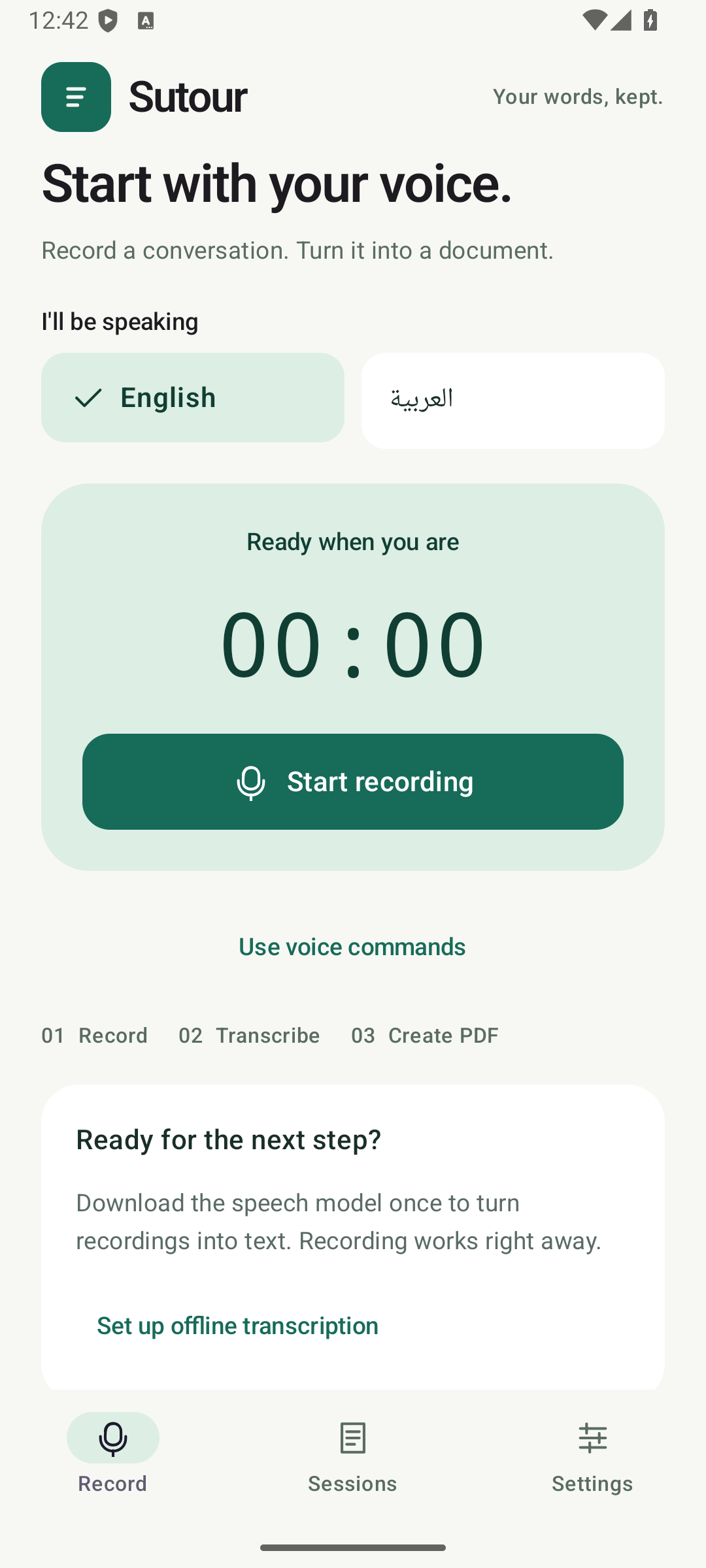
Choose Arabic or English, then record your conversation. Pause when you need to. Finish when you're ready.
Recorded on your deviceA quieter way to keep a conversation
The conversation moves on.
Your notes don’t have to disappear.
Record a session, turn it into editable paragraphs, and create a PDF. Sutour brings your spoken words into writing, in Arabic and English.
Ideas from today,
ready for tomorrow.
Be in the conversation.
Keep something from it.
A simple rhythm
One session, from a spoken moment
to a document you can come back to.
Choose Arabic or English, then record your conversation. Pause when you need to. Finish when you're ready.
Recorded on your deviceGenerate an offline transcript, then review and edit it. Check names, numbers, and anything that matters.
A draft you can make your ownCreate a PDF for later. Or export plain text or HTML when you need another way to read or share it.
PDF · Text · HTMLOffline at heart
Download the multilingual speech model once, approximately 190 MB, and transcribe Arabic and English offline on a compatible ARM64 phone. No account is required.
Optional online transcription and cloud export work differently. We explain exactly what leaves your device in the privacy policy.
Read the privacy policyMade to be revisited
Save a reviewed transcript as a paginated PDF.
Export plain text for editing or use in another app.
Use structured HTML as an alternative to PDF. Full assistive-technology testing is still in progress.
Before you start
Recording and saving sessions work without internet. Offline transcription requires a one-time speech model download of approximately 190 MB. After setup, that model processes Arabic and English audio on your device.
The current Android build requires Android 9 or later. Offline transcription requires an ARM64 device. Speech commands and read-aloud depend on compatible on-device services and installed voices.
Transcripts are drafts, not guaranteed word-for-word records. Accuracy varies with background noise, pronunciation, dialect, and recording quality. Always review important information. Arabic quality testing is ongoing.
Offline transcription keeps audio processing on your device. The model download does not upload recordings. Optional online transcription sends selected audio to a service you configure only after you confirm. Exporting to a cloud destination is controlled by your chosen storage provider.
Sutour is currently preparing for release. This website does not offer a public Play Store download until the listing is available. For release or support questions, contact PocketArc using the email below.